Your best take, picked
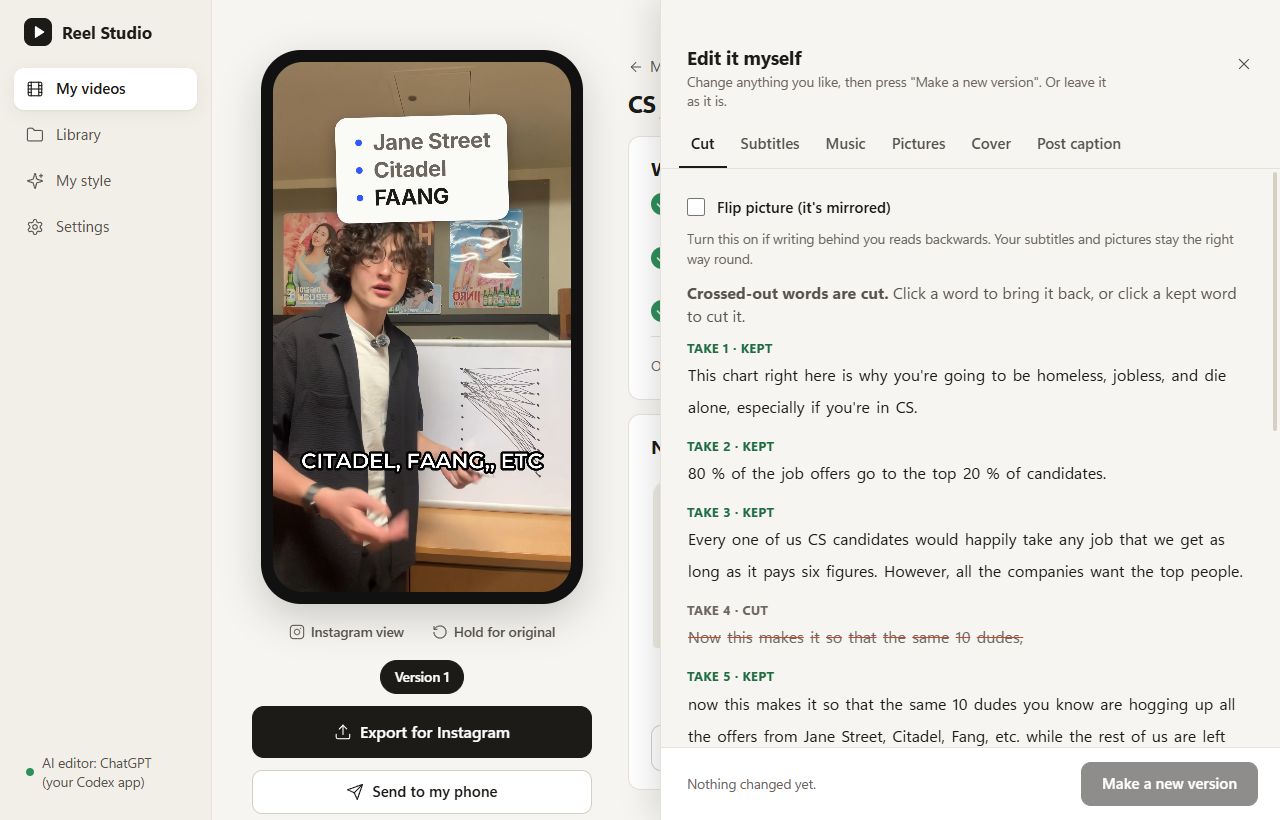
It hears every retake and keeps your best one of each line. Pauses, flubs and false starts are cut. Click a crossed-out word to bring it back.
Drop in your talking-head video, flubs and retakes included. Reel Studio keeps your best take of every line, cuts the dead air, and adds captions, b-roll, music and a cover. Then you give notes in plain English.
No timeline to learn. You talk, Reel Studio edits, you say what to change.
Record yourself talking on your phone or camera, retakes and all, and drop the file into Reel Studio.
It listens, keeps your best take of every line, cuts the dead air, and adds captions, b-roll, your music and a cover.
Type “music too loud at the start” and a new version appears. Then export, or send it to your phone.
Every step is done for you, and every step is yours to change.
It hears every retake and keeps your best one of each line. Pauses, flubs and false starts are cut. Click a crossed-out word to bring it back.
Tell your editor what to change. Attach a picture, GIF or clip to the words it belongs on.
Side by side with the last one, so nothing you liked is lost.
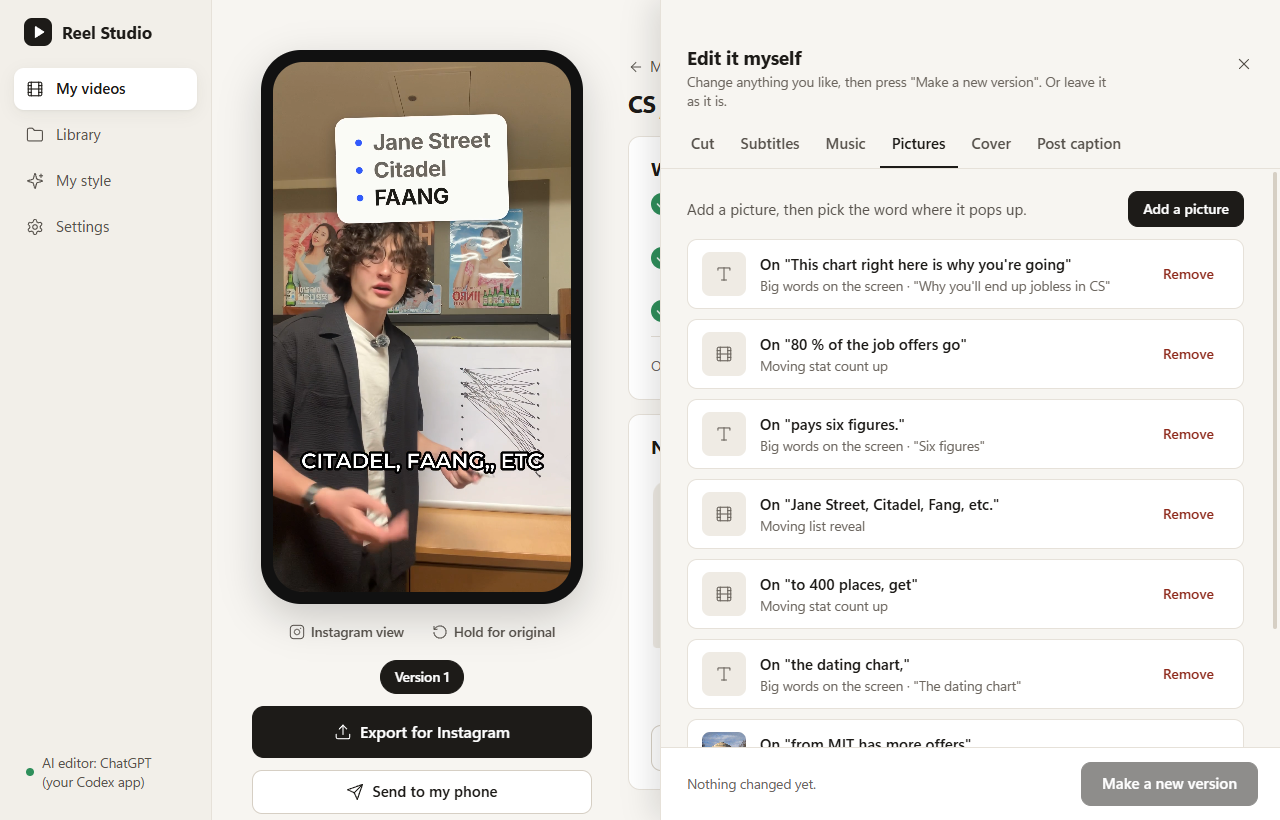
Pictures, animations and text cards pop up on the words they belong to. The editor finds or makes them, or you add your own.
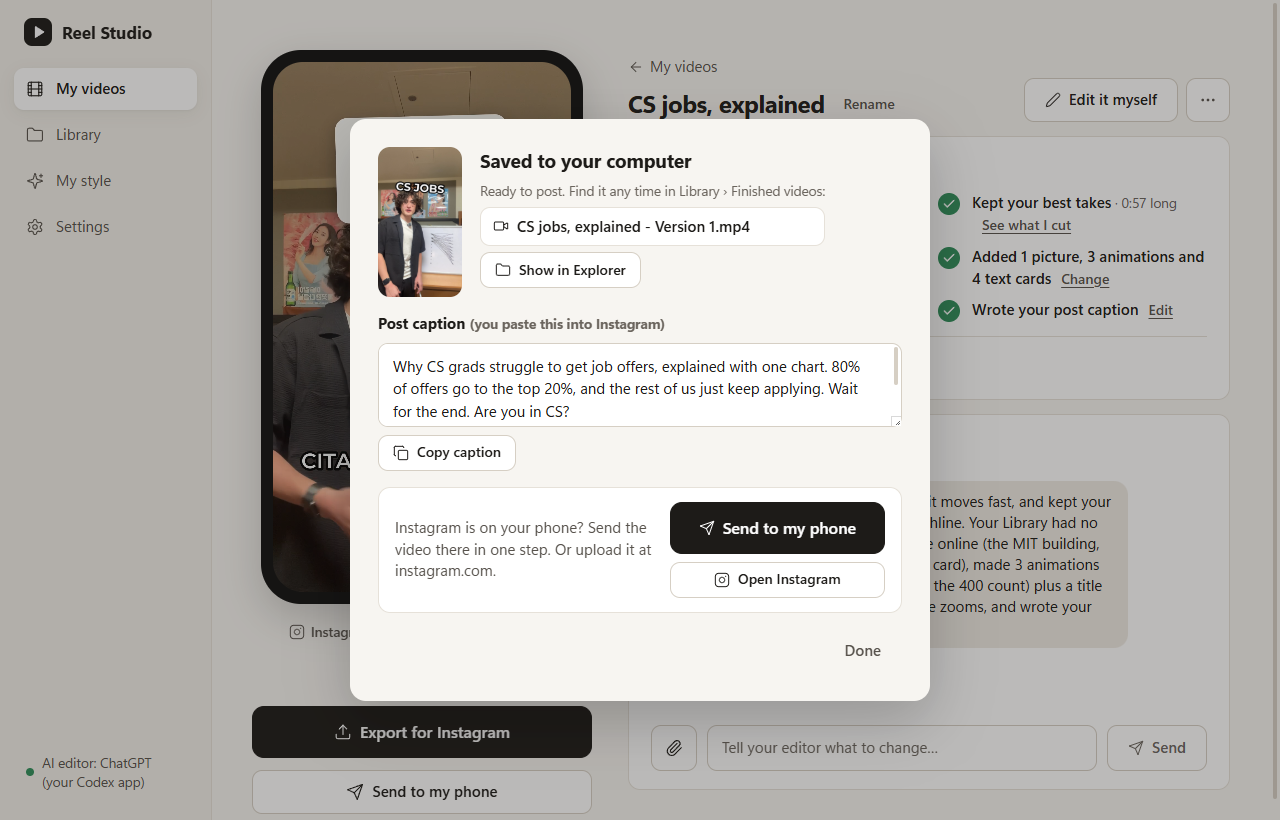
A cover, a post caption with hashtags to copy, and Send to Phone over your Wi-Fi.
Transcribing, cutting and rendering all happen on your computer.
Every line is on GitHub under the MIT license. Read it, change it, build it yourself.
Everything on this page is one real reel made with Reel Studio: a 1:39 raw take in, a 0:57 reel out.
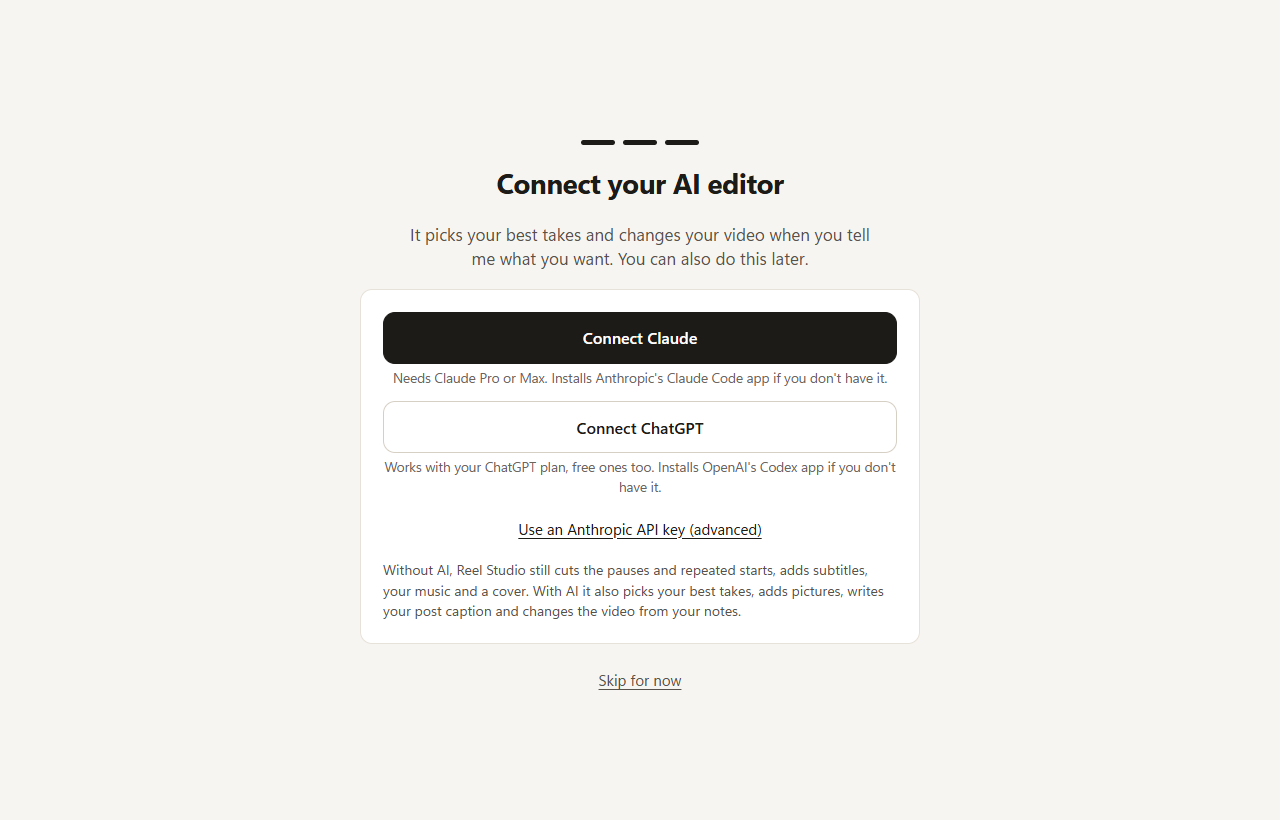
Reel Studio drives Anthropic's Claude Code app or OpenAI's Codex app on your computer, using the plan you already have.
You sign in on Anthropic's or OpenAI's own page, and Reel Studio never sees that login. If you don't have the app yet, Reel Studio installs the official one for you.
AI usage is not included in the price and counts against your plan's limits. Without an AI, Reel Studio still transcribes, cuts the pauses, adds captions and music, and makes a cover.
Same app either way. Your download link appears right after payment.
$99 once
Perpetual license plus all 1.x updates.
$20 / month
Cancel anytime. Updates run to the end of the paid month; your installed version keeps working.
Payments are handled by Stripe. Your Claude or ChatGPT plan is billed separately by Anthropic or OpenAI. See the refund policy and terms.
Yes. All of Reel Studio's code is on GitHub under the MIT license. You can read it, build it yourself, change it and share it. The source of the bundled programs (FFmpeg and friends) is published on GitHub too.
Paying is how the app gets made. It gets you the signed, ready-to-run installers for Mac and Windows, every update, and email help when something goes wrong. You can also build it yourself for free from the source; buying is the easy path. Thanks for paying for this.
Not with us. There is no Reel Studio account and no sign-up. For the AI editor you use your own Claude or ChatGPT plan: you sign in to Anthropic's or OpenAI's own app with their own sign-in page, and Reel Studio never sees that login.
No analytics, no telemetry, no crash reports. Transcription, cutting, captions and rendering all run on your computer. The app goes online only for these:
Full details are in the privacy policy.
Partly. Without an AI connected it still transcribes, cuts the pauses and repeated starts, adds captions, mixes in your song and makes a cover. Picking takes, finding pictures, writing the post caption and handling your notes need the AI editor.
Yes. Email us within 14 days of your purchase and we'll refund you in full, no reason needed. On the monthly plan you can cancel anytime; after you cancel, updates and new download links continue until the end of the month you've paid for, and the version you have installed keeps working. Your Claude or ChatGPT plan is billed by Anthropic or OpenAI, so we can't refund that. See the refund policy.
That blue box appears for programs from small, new publishers that don't have Microsoft's paid “known publisher” stamp yet, and the Windows installer doesn't have one. Click More info, then Run anyway. You only do it once. Download the installer only from your getreelstudio.com download link. The Mac app is signed and notarized by Apple, so it opens with a double-click.
Macs with an Apple chip (M1 or newer) on macOS 14 Sonoma or newer, and 64-bit Windows 10 or 11. Intel Macs are not supported yet. You need about 2 GB of free space and an internet connection the first time you open it.
Film it once, flubs and all. Reel Studio does the editing; you say what to change.